

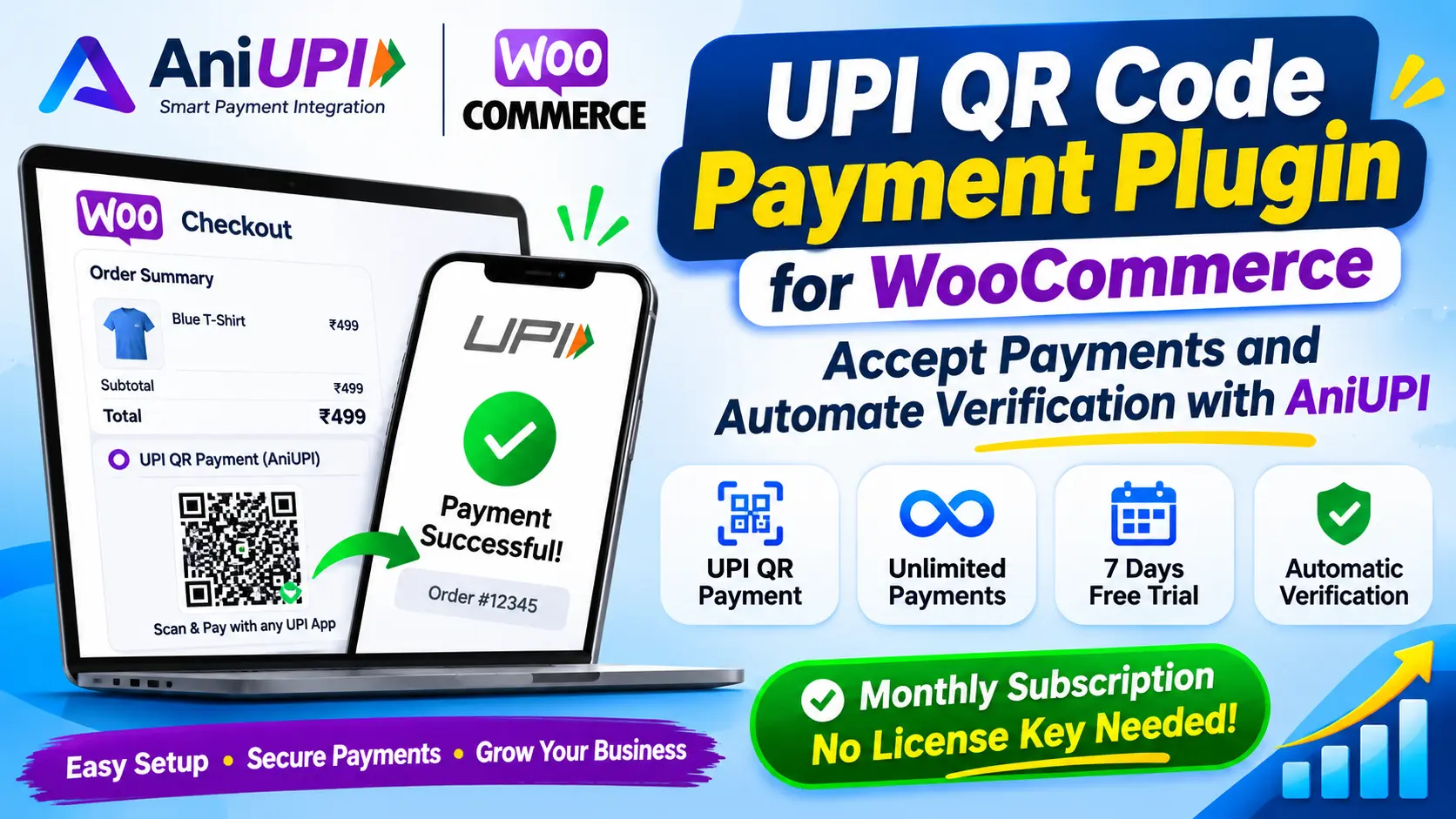
If you run an online store on WordPress or WooCommerce and wish to accept UPI payments from your customers, the AniUPI – UPI QR Code Payment Plugin for WooCommerce could be a valuable solution for you.
In India, UPI is a popular method for digital payments. Customers can easily make payments by scanning a QR code using apps like Google Pay, PhonePe, Paytm, and other UPI-enabled platforms. Offering a UPI QR code payment option on your WooCommerce website can significantly enhance the checkout experience.
AniUPI is a UPI payment integration and verification software solution. It allows WooCommerce store owners to connect their merchant payment accounts, enabling a seamless UPI QR payment workflow along with automated payment verification.
The AniUPI subscription model is designed for merchants who prefer a fixed subscription plan—allowing for unlimited payment integrations—rather than paying a separate integration fee for every individual transaction. Please note that the payment provider may have its own distinct fees, terms, and limits.
You can also explore the features offered by AniUPI through a 7-day free trial.
What is a UPI QR Code Plugin?
A UPI QR code plugin is a WordPress plugin that enables customers on a WooCommerce website to make payments via UPI by scanning a QR code.
When a customer purchases a product from your online store, they are presented with a UPI QR code payment option during the checkout process.
The customer then completes the payment by scanning the QR code using their preferred UPI app.
A robust payment integration does not rely on a payment screenshot or a customer’s claim to mark an order as "paid." Instead, it verifies the transaction status directly through the payment provider’s API or verification system.
AniUPI facilitates the integration of this type of payment workflow into your WooCommerce website. ## Introducing AniUPI – UPI QR Code Payment Plugin for WooCommerce
AniUPI is designed for online merchants, sellers of digital products, and WooCommerce store owners who wish to integrate UPI QR Code payments and automatic payment verification into their websites.
Whether you sell digital products, WordPress themes, plugins, e-books, online courses, or physical products, AniUPI helps you manage your WooCommerce payment workflow.
10 Key Features of the AniUPI Payment Plugin
1. UPI QR Code Payment Integration
With AniUPI, you can add a UPI QR Code payment workflow to your WooCommerce checkout. Customers can make payments by scanning the QR code using their preferred UPI app.
2. Unlimited Payments Subscription
An active AniUPI subscription allows for unlimited payment integrations. There is no need to purchase separate transaction packages for individual payments.
Please note that transaction fees and limits imposed by your payment provider, bank, or merchant account may still apply.
3. 7-Day Free Trial
Before committing, you can explore the features of AniUPI through a 7-day free trial.
This allows you to test the integration and payment workflow on your WooCommerce store before purchasing a subscription.
You can begin the trial without needing to provide bank or card details.
4. Monthly Subscription Pricing
AniUPI operates on a subscription-based pricing model. Instead of paying a separate integration fee for every transaction, you can choose a monthly subscription plan that suits your needs.
This makes it easier for merchants to plan and manage their integration-related expenses.
5. Automatic Payment Verification
AniUPI’s payment verification workflow confirms the transaction status by communicating with the connected payment provider’s API.
Once the payment is successfully verified, the status of the corresponding WooCommerce order can be updated automatically.
This eliminates the need for merchants to manually verify payments for every individual order.
6. Merchant Account Connection
You can configure the payment integration workflow in AniUPI by connecting a merchant payment account.
For example, you can complete the business verification process by providing details for a supported merchant account, such as a Paytm Business account.
7. API Integration Support
AniUPI provides features for developers, including API tokens and a payment status verification API.
These tools enable the integration of payment workflows into websites and applications.
8. WooCommerce Order Auto-Update
Once payment verification is successful, AniUPI automatically updates the corresponding WooCommerce order.
This ensures better synchronization between the customer's payment and their order status.
9. Payment Logs and Transaction Tracking
Using payment logs and transaction details, merchants can monitor their payment workflows and investigate any issues related to transactions if necessary.
10. Easy WordPress Integration
You can install the AniUPI WooCommerce plugin on your WordPress website and configure your API token and payment settings.
This allows you to utilize the existing integration workflow within WooCommerce, eliminating the need to develop a complete payment integration system from scratch.
How to Install the AniUPI WooCommerce Plugin?
Follow the steps below to install the AniUPI plugin on your WordPress website.
Step 1: Download the AniUPI Plugin
First, visit the official AniUPI website:
Website: https://aniupi.in
Navigate to the header or the 'Download Plugin' section of the website and download the latest version of the WooCommerce plugin.
Always ensure you download the plugin exclusively from the official website.
Step 2: Install the AniUPI Plugin in WordPress
Log in to your WordPress admin dashboard.Then:
- Go to the 'Plugins' section.
- Click on 'Add New Plugin'.
- Select the 'Upload Plugin' option.
- Upload the AniUPI plugin ZIP file that you downloaded.
- Click on 'Install Now'.
- Once the installation is complete, click on 'Activate Plugin'.
- The AniUPI plugin will now be activated on your WordPress website.
Step 3: Create Your AniUPI Account
Visit the official AniUPI website at https://aniupi.in and click on the 'Register' option.Provide the required information during registration, such as:
- Full Name
- Mobile Number
- Email Address
- Password
- Business/Company Name
- PIN Code
- PAN Number
- Aadhaar Number
- City/Location
Once your account is created, log in to the AniUPI dashboard.
Step 4: Activate a 7-Day Free Trial or Subscription
Open the 'Subscription' section within the AniUPI dashboard.Review the available subscription plans and trial options.
If a 7-day free trial is available for your account, you can activate it to explore the platform's features.
Test your WooCommerce integration and payment workflow during the trial period.
Step 5: Connect Your Merchant Payment Account
Log in to the AniUPI Dashboard and open the 'UPI Settings' section.Then:
- Select an available Merchant Payment Provider.
- Choose 'Paytm Business Integration' if it is available.
- Enter the Merchant Mobile Number.
- Provide the Merchant ID and the requested UPI details.
- Complete the necessary verification process.
- Click on the 'Verify Business' option.
Note: The availability of a merchant account and the verification process depend on the terms and conditions of the respective payment provider.
Step 6: Copy the AniUPI API Token
Open the 'Developers' section in the AniUPI Dashboard.You will see an API Token there.
- Copy the API Token.
- Go to your WordPress Admin Dashboard.
- Open the WooCommerce Payment Settings.
- Navigate to the settings for the AniUPI Payment Gateway.
- Paste your token into the 'API Token' field.
- Click 'Save Changes'.
Security Tip: Do not share your API Token with anyone, and do not include it in your website's frontend code or any public repository.
Step 7: Test Payments on WooCommerce
After saving all settings, visit your WooCommerce website and perform a checkout with a test product.Then:
- Add a product to your cart.
- Go to the checkout page.
- Select the 'AniUPI UPI Payment' option.
- Test the payment using the QR code or other available payment methods.
- Verify the transaction once the payment is complete.
- Check whether the WooCommerce order status has been updated correctly.
Which businesses can benefit from AniUPI?
AniUPI’s WooCommerce UPI QR Code integration is useful for various types of online businesses, including:- Digital Product Stores: Sellers of e-books, PDFs, and other digital downloads.
- WordPress Plugin Developers: Sellers of WordPress plugins and software.
- Theme Developers: Sellers of WordPress themes and website templates. Online Course Platforms: Those selling courses and educational content.
- E-commerce Stores: Those selling clothing, electronics, and other physical products.
- Freelancers: Those offering websites and digital services.
- Small Businesses: Small-scale merchants operating their own online stores.
What are the benefits of using AniUPI?
AniUPI aims to simplify the payment workflow between merchants and customers.Key benefits include:
- UPI QR payment integration for WooCommerce.
- Payment status verification workflow.
- Integration via API.
- Merchant account connection.
- Unlimited payment integration under an active subscription.
- 7-day free trial option.
- WooCommerce order status automation.
- Payment logs and transaction tracking.
- API integration support for developers.
Important Information Regarding AniUPI
AniUPI is a software integration and payment verification solution. It is not a bank, UPI app, digital wallet, or payment aggregator; it neither holds nor settles customer funds.
Actual payment processing and settlement are governed by the terms and conditions of the respective merchant payment provider and the bank.
AniUPI subscription fees and the transaction fees charged by payment providers are separate. Please review the available pricing and the provider's terms before subscribing.
Frequently Asked Questions (FAQs)
1. What is AniUPI?
AniUPI is a payment integration software solution designed to integrate UPI QR code payment workflows and payment status verification into WooCommerce websites.
2. Does AniUPI work with WooCommerce?
Yes, the AniUPI WooCommerce plugin is designed to be installed on WordPress websites to configure payment integration.
3. Can I accept an unlimited number of payments using AniUPI?
An active AniUPI subscription allows for unlimited payment integration. However, actual transactions remain subject to the terms, conditions, and limits set by the payment provider and the merchant account.
4. Is a free trial available for AniUPI?
A 7-day free trial is available. Please check the official website for the current terms and availability of this trial.
5. Is there a separate fee payable to AniUPI for every transaction?
Under the AniUPI subscription model, no separate integration fee is charged per transaction. However, the payment provider or bank may apply their own transaction charges.
6. Does AniUPI verify payments automatically?
AniUPI verifies payment status via the connected payment provider's API and established verification workflows, subsequently updating the WooCommerce order upon successful verification.
7. How can I download the AniUPI plugin?
Visit the official AniUPI website at https://aniupi.in and download the latest version of the WooCommerce plugin from the 'Download' section.
8. Where can I find the API token?
Log in to your AniUPI dashboard and navigate to the 'Developers' section. Copy your API token from there and add it to the WooCommerce plugin settings.
9. Is a GST number required for AniUPI?
The requirement for GST registration depends on your business and the applicable legal regulations. Please verify the current terms regarding AniUPI account registration and GST compliance via the official website or the support team.
10. How can I get support if I encounter an issue with AniUPI?
You can submit a support request regarding your issue by accessing the Customer Support section within the AniUPI dashboard.
Conclusion – Get started with UPI integration for your WooCommerce Store using AniUPI
In today’s digital business landscape, a seamless and reliable payment experience is crucial. If you run a WooCommerce store and wish to offer your Indian customers the option to pay via UPI QR code, AniUPI can be a valuable payment integration solution for you.
With its WooCommerce plugin, API integration, merchant account connectivity, and payment verification workflow, you can effectively manage the payment system for your online store.
Try the 7-day free trial of AniUPI, explore the available features, and select the subscription plan that best suits your WooCommerce store.
Join AniUPI today and start integrating UPI QR code payments into your WooCommerce store.
Official Website: https://aniupi.in
Plugin: https://aniupi.in/woocommerce-plugin.php
API Documentation: https://aniupi.in/api-documentation.php
Customer Support: https://aniupi.in/contact
Comments (0)
Share your thoughts or ask a question. Comments are reviewed before they appear publicly.
No approved comments yet. Be the first to comment.